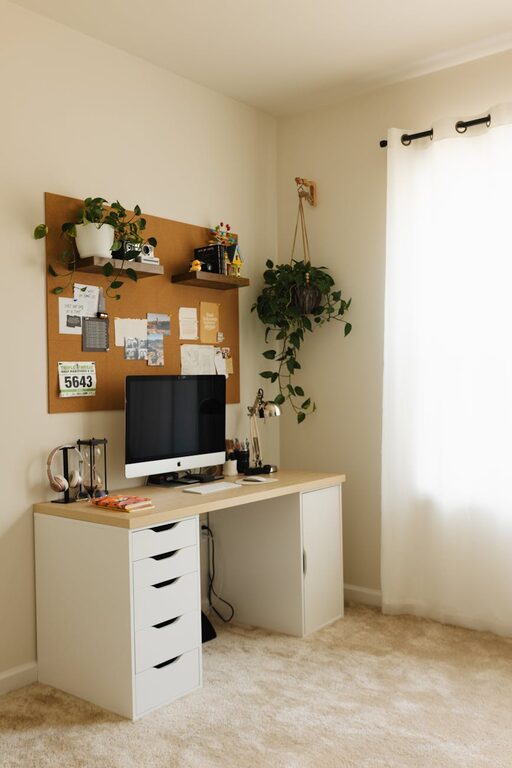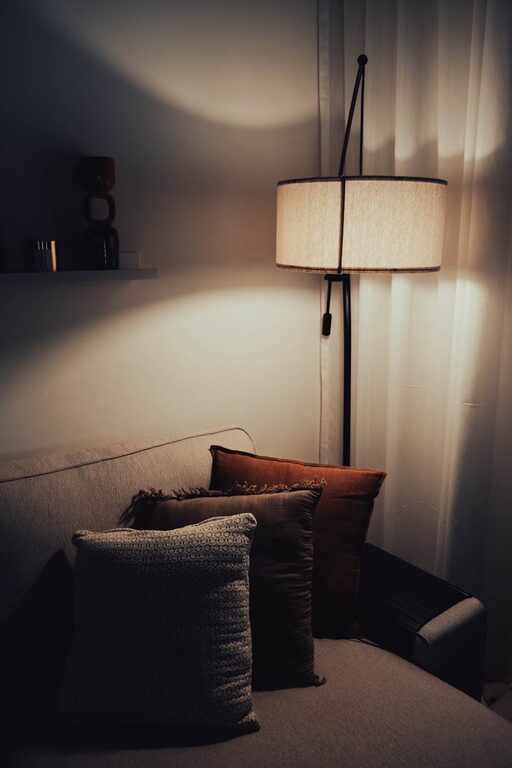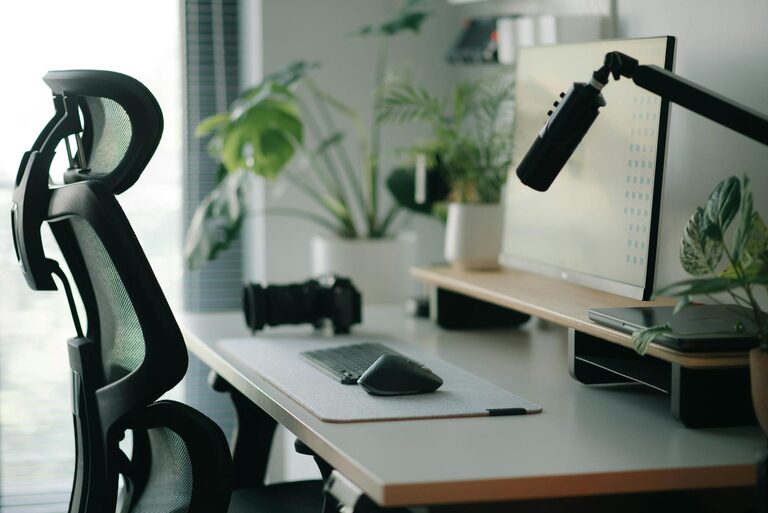
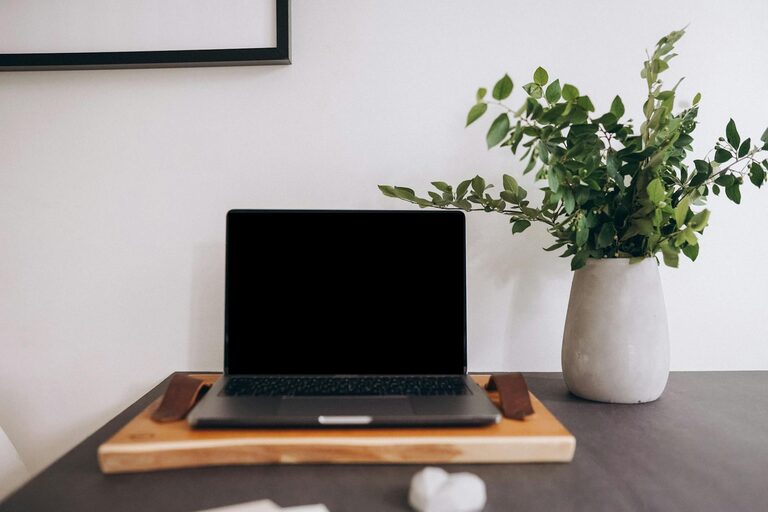
Creating a home office that is both productive and comfortable can make a significant difference to your work-from-home experience. Whether you’re working remotely full-time or occasionally, your environment influences your focus, efficiency, and overall well-being. In this post, we’ll explore helpful tips for setting up a home office space that supports your professional needs and feels inviting.
1. Choose the Right Location
Selecting the right spot for your home office is the first step toward productivity. If possible, choose a room or corner away from noise and distractions.
– Natural light: Position your desk near a window to take advantage of daylight, which can improve mood and alertness.
– Quiet surroundings: Pick an area with minimal foot traffic and background noise.
– Dedicated space: Aim for a space that is used solely for work, which helps with mental focus and boundaries.
2. Invest in Ergonomic Furniture
Comfort is key to maintaining productivity during long working hours.
– Desk: Choose a desk with enough surface space for your computer, documents, and other essentials.
– Chair: Select an adjustable chair that supports your back and encourages good posture. Consider chairs with lumbar support.
– Desk height: Ensure your desk height allows your forearms to be parallel to the ground when typing or writing.
3. Optimise Lighting
Proper lighting reduces eye strain and fatigue.
– Ambient lighting: Use ceiling or wall lights to brighten the room overall.
– Task lighting: Add a desk lamp with adjustable brightness and positioning.
– Avoid glare: Arrange your screen and lights to minimise glare on your computer monitor.
4. Organise Your Workspace
A clutter-free environment helps you concentrate and feel less stressed.
– Storage solutions: Use shelves, filing cabinets, or desk organisers to keep supplies and documents tidy.
– Cable management: Use clips or cable trays to keep wires organised and out of the way.
– Digital organisation: Keep your desktop and files well sorted to avoid wasting time searching for things.
5. Personalise Your Space
Adding personal touches can make your office feel welcoming and motivate you.
– Plants: Indoor plants improve air quality and create a calming atmosphere.
– Artwork or photos: Display images that inspire or relax you.
– Colour: Choose paint or accessories in colours that boost focus or reduce anxiety, such as soft blues or greens.
6. Use Technology Efficiently
Make sure your equipment supports your workflow.
– Reliable internet: Ensure your broadband connection is stable and fast enough for your needs.
– Quality peripherals: Invest in a good keyboard, mouse, and headset.
– Software tools: Use productivity apps, calendars, and communication platforms that suit your work style.
7. Set Boundaries and Routines
Separating your work life from your home life helps maintain balance.
– Work hours: Define working times and stick to them.
– Breaks: Take regular short breaks to stretch and refresh your mind.
– End of day routine: Create a ritual to signal the end of work, such as tidying your desk or switching off devices.
8. Keep Comfort in Mind
Your physical comfort affects your ability to focus.
– Temperature: Ensure your workspace is well ventilated and at a comfortable temperature.
– Noise control: Use noise-cancelling headphones or background music to reduce distractions.
– Refreshments: Keep water and healthy snacks nearby to stay hydrated and energised.
—
By combining these tips, you can design a home office that not only enhances your productivity but also makes working from home a pleasant and sustainable experience. Remember, everyone’s needs are different, so feel free to adjust these recommendations to what suits you best. Happy working!

Related Posts